Now You Can Create Your Own Color Challenges
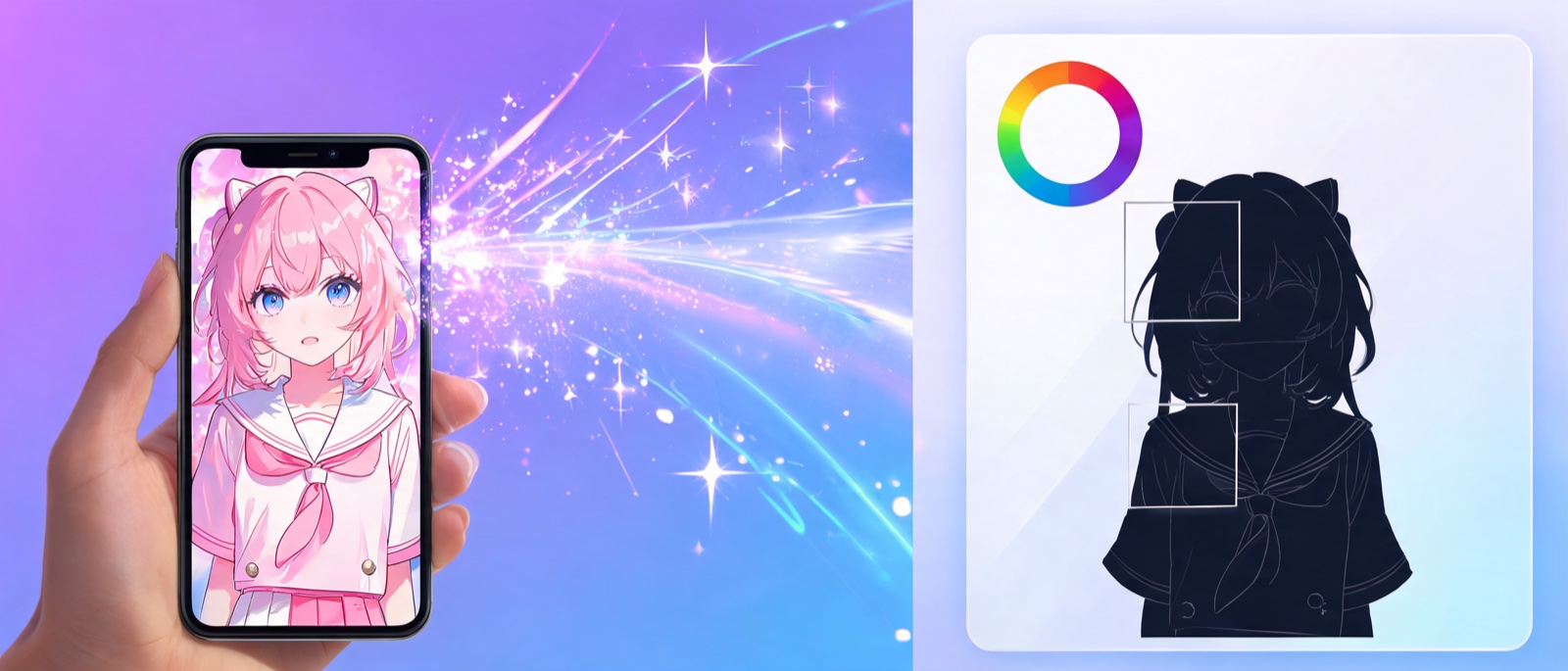
ToonTone has always been about testing how well you remember the iconic colors of anime characters. But until now, the challenge pool was curated by us. That changes today.
With the new Create feature, anyone can upload their favorite anime image, select a target color area, and generate a brand-new challenge that goes live instantly — no account required, no approval process, no waiting.
How It Works
The Create flow is designed to be fast and intuitive. Here's the step-by-step:
Step 1: Upload Your Image
Drag and drop any anime character image — or paste a URL. We support PNG, JPG, and WebP files up to 4 MB. The image should clearly show the character and the feature whose color you want players to guess.
Step 2: Mask the Target Area
This is where the magic happens. Use the brush tool to paint over the area you want to become the quiz target — the character's hair, eyes, outfit, accessories, or any other distinctive feature.
The masked area turns transparent in the final challenge image, so players see the character but not the color they need to guess. You can also use the AI Segment tool — just type what you want to mask (e.g., "hair" or "jacket") and the AI will do it for you.
Step 3: Pick the Target Color
Use the color picker or the Pick Color eyedropper tool to select the exact color from the original image. This becomes the answer that players need to match.
Step 4: Add Details
Fill in the character name, anime/show title, year, and what body part the color belongs to (e.g., "Hair", "Gi", "Eyes"). These details appear in the game during play.
Step 5: Submit
Hit submit and your challenge is immediately added to the game pool. Other players can encounter your challenge during their next game.
Why This Matters
A Growing, Community-Driven Challenge Pool
Instead of relying on a fixed set of 40+ characters, ToonTone now grows with its community. Every user can contribute challenges from any anime, any era, any character — including obscure favorites that a curated pool would never cover.
Your Niche, Your Challenge
Love a lesser-known anime? Think you know a character whose colors are particularly tricky? Create a challenge for it. The most interesting challenges often come from unexpected places — a specific shade of a mecha's armor, a magical girl's transformation accessory, or the subtle gradient of a sunset in a Ghibli film.
No Barriers
Tips for Great Challenges
Choose Distinctive Colors
The best challenges feature colors that are iconic but subtly tricky. A character's hair color that everyone thinks they know — but is actually a slightly different shade than they remember — makes for an engaging challenge.
Mask Cleanly
Take time to mask the target area precisely. A clean mask means a better-looking challenge image. Use the AI Segment tool for complex shapes, then fine-tune with the brush and eraser.
Pick Non-Obvious Features
Everyone will create challenges for Naruto's orange jacket. Stand out by choosing less obvious features — the exact shade of a character's eyes, the color of a specific accessory, or the tint of their magical aura.
What's Next
This is just the beginning. We're working on features like:
For now, head to the Create page and make your first challenge. We can't wait to see what the community builds.
Ready to create? Go to Create and upload your first anime image. Your challenge will be playable by everyone within seconds.